

Can Kids Use Square? A Parent’s Guide to Card Payments
A child can sell out of lemonade while three customers are still standing there with phones in their hands. Nobody has cash. One person asks, “Can I tap?”
That is usually when a parent starts looking at Square.
Square can be an excellent payment tool. It is fast, familiar, and especially strong for in person sales. The real decision is whether you need a card reader for an adult owned business or a complete business experience the child can operate.
How Square works when the seller is a child
Square is built for business owners. To create an account, the adult provides identity, contact, banking, and business information. Payment proceeds are deposited into the bank account connected to that Square account.
For a child’s stand or market table, the compliant arrangement is generally:
- A parent creates the Square account using accurate adult information.
- The parent connects a bank account and completes any verification.
- The parent sets up products, prices, taxes, receipts, and refund settings.
- The child takes payments on the parent’s account while the parent supervises.
- The parent keeps records and deals with deposits, disputes, refunds, and tax reporting.
Square community guidance has also warned parents that sales processed through the adult’s account may be attributed to that adult for reporting purposes. The precise tax treatment depends on where you live and how the business is structured. That is a question for an accountant, not a setting inside the app.
What Square costs
Square’s basic point of sale software has no monthly subscription in the United States and Canada. The business pays a processing fee when a card is used.
Current standard Square Free rates include:
| Payment type | United States | Canada |
|---|---|---|
| In person credit card | 2.6% + US$0.15 | 2.5% |
| Online payment or invoice | 3.3% + US$0.30 | 2.8% + C$0.30 |
| Manually entered card | 3.5% + US$0.15 | 3.3% + C$0.15 |
Rates can vary by plan, payment method, and account. International cards may add another fee.
For a simple US$20 in person sale on Square Free, the fee is about US$0.67. For a C$20 in person credit card sale in Canada, the fee is about C$0.50. That is inexpensive compared with losing the sale because the customer has no cash.
Hardware is optional in some situations. Square supports payment links, invoices, a virtual terminal, and Tap to Pay on compatible phones. A dedicated contactless reader costs extra.
Where Square is the right choice
Square is strongest when the immediate problem is accepting payment in person.
Choose Square when:
- A parent already has a Square business account
- The child sells mainly at stands, markets, fairs, or neighbourhood events
- The parent will be present and operate the payment setup
- You need a dependable point of sale with receipts and sales reporting
- You want to accept cards without committing to a monthly ecommerce subscription
- The business may grow into a family run retail or service operation
For a one day school market or a weekend stand, Square can be the simplest adult payment solution. The parent opens the account, sets up a few items, and the child learns how to greet customers and close a sale.
Square solves that problem well.
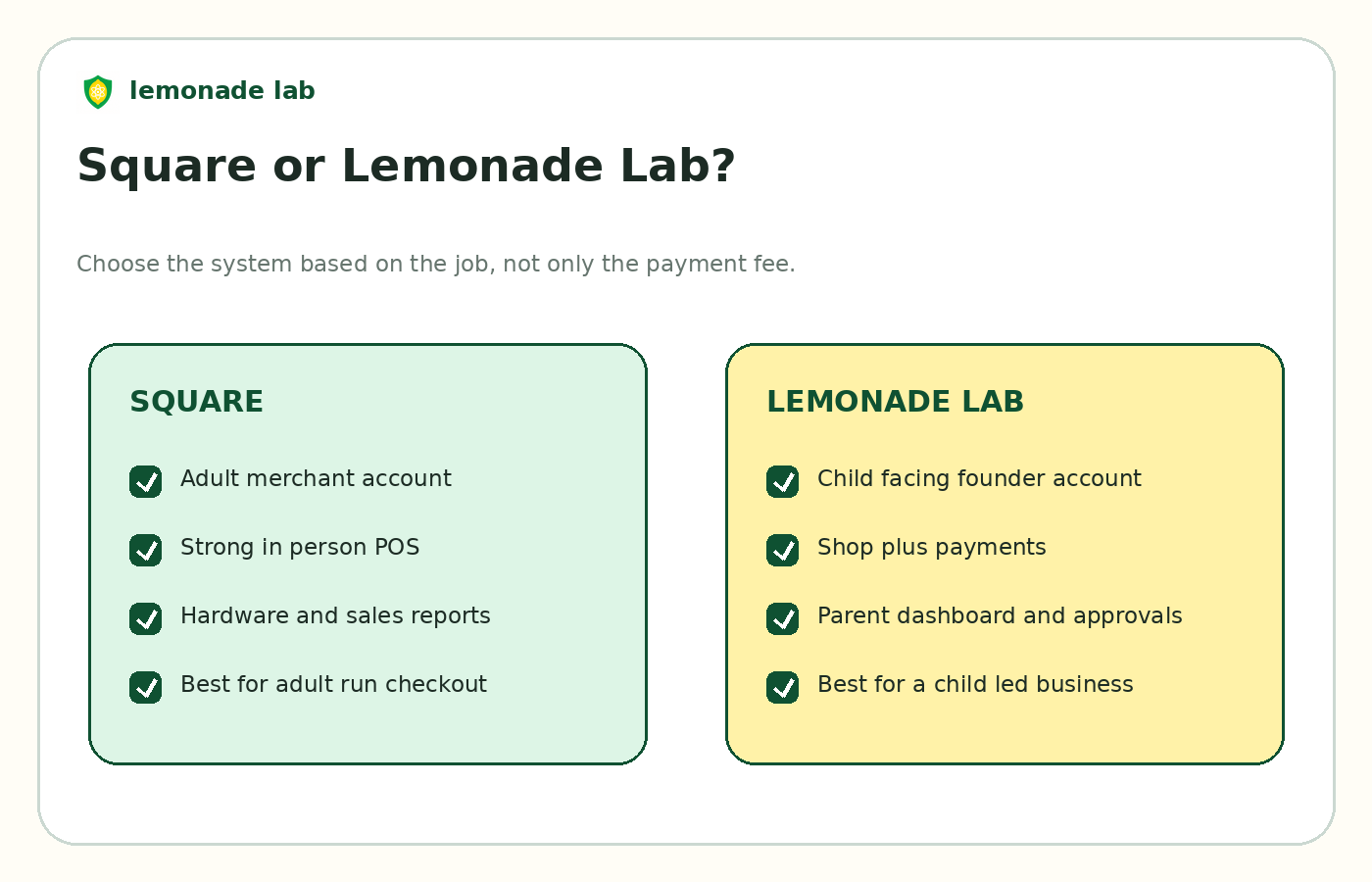
What Square does not solve
Taking a payment is one moment in a business. Before that moment, the child needs an idea, a name, a product, a price, a way to show customers what is for sale, and the confidence to keep going. After the payment, there may be an order to fulfill, a customer to update, and earnings to track.
Square has tools for many of those functions, but they are designed for an adult merchant. It does not give a child a child facing founder account with a connected parent dashboard. It does not create a protected progression system around the experience. It also does not separate the child’s ownership of the project from the adult’s responsibility for money and safety.
That distinction is easy to miss because the card reader is visible. The parent may solve payments, then discover that the parent is also building the catalog, managing the website, reading the reports, and deciding what happens next.
The child has a better cash register. The child may not have a better business.
Square versus Lemonade Lab
Lemonade Lab includes payment acceptance inside a platform designed for young founders. A child can create a shop, add products or services, share the shop, receive orders, and build a persistent founder identity. Parents connect to supervise and approve money movement where required.
| Question | Square | Lemonade Lab |
|---|---|---|
| Who opens the account? | Adult business owner | Child creates, with parent connection and approvals as required |
| Main job | Process payments and run point of sale | Help a child build and operate a real first business |
| In person cards | Strong POS and Tap to Pay options | Tap to Pay is available through the Lemonade Lab app on supported devices |
| Online shop | Available through Square tools | Included as a core child facing experience |
| Parent oversight | Adult controls the merchant account | Dedicated parent dashboard and cashout approval |
| Child progression | Not part of the product | Quests, levels, status, and founder identity |
| Cost to begin | No monthly fee on Square Free, processing on sales | Free to start; first $100 earned monthly has no transaction fee, then 3.5% shop running cost |
| Best fit | Adult operated stand or local seller | Child operated business with parent supervision |
Lemonade Lab does not have the same point of sale depth as Square. A busy family retail booth with several employees, advanced inventory, and complex reporting will likely prefer Square.
For a child selling bracelets, tutoring, dog walking, baked goods, art, or lemonade, Lemonade Lab keeps the payment inside the larger founder experience. That can matter more than shaving a few cents from a transaction.
Should you use both?
Sometimes.
A parent may use Square for an established family business while the child uses Lemonade Lab to build a separate shop and founder profile. The risk is duplicate catalogs, split sales records, and confusion about where the customer should pay.
Before combining systems, decide which one is the source of truth for:
- Product names and prices
- Inventory
- Customer orders
- Refunds
- Revenue records
- The child’s available balance
For a small first business, one simple system is usually better. More tools do not create more ownership.
A better first test than buying hardware
Do not start by ordering a reader. Start by proving that someone wants to buy.
A useful first test looks like this:
- Let the child choose one to three products or services.
- Set a price that covers direct costs.
- Create a simple shop or payment page.
- Share it with ten people the child knows.
- Try one in person selling session.
- Ask the child what customers said and what should change.
If the business is consistently losing sales because customers want to tap, then add the payment tool that fits the setup. Hardware should follow demand, not substitute for it.
Safety rules for in person card sales
Even a friendly local stand needs boundaries.
Parents should:
- Keep the device passcode and account password private
- Turn off access to unrelated personal apps during selling
- Avoid displaying the child’s home address or personal contact details
- Review refund and receipt settings
- Supervise any customer communication
- Make sure the child does not photograph cards or write down card numbers
- Confirm that the selling location permits the activity
- Keep food, allergy, permit, and tax rules in mind when relevant
A child can operate the customer interaction. The adult should still control the financial rails.
Frequently asked questions
Can a 12 year old use a Square reader?
A 12 year old cannot own the Square account. A parent can own the account and supervise use of the reader or Tap to Pay. The adult is responsible for the transactions.
Can Square deposit money into a child’s bank account?
Square requires a linked account that meets its verification requirements. Do not enter inaccurate information to force a child owned setup. A parent should use a compliant account and keep a clear record of money earned by the child.
Does Square report the income under the parent’s name?
The Square account belongs to the adult, so reporting may be connected to the adult’s taxpayer information. The outcome can vary by country, business structure, and total activity. Ask a qualified tax professional how to record the child’s earnings.
Can kids take Apple Pay or contactless cards?
They can accept contactless payments through an adult owned Square setup on supported hardware or a compatible Tap to Pay device. Lemonade Lab also supports card and digital wallet payments within its child focused system. See the full guide to how kids can accept credit cards.
Is cash easier?
Cash has no processing fee, but it creates its own problems: making change, storing money, keeping records, and losing customers who do not carry it. Many child businesses use both cash and digital payments.
The decision
Square is a strong answer to “How can we take a card right now?” It is not, by itself, an answer to “How can my child build and own a business experience?”
Use Square when the parent is comfortable owning the merchant account and the main need is in person payment processing. Use Lemonade Lab when the shop, the payment, the child’s progress, and the parent’s oversight should live in one place.
Start a free Lemonade Lab shop before buying more equipment. Let the first customers tell you what the business actually needs.
Platform rules and prices were checked on August 17, 2026. Fees and policies can change. This article is general information, not legal, tax, or accounting advice.